Tap what you used
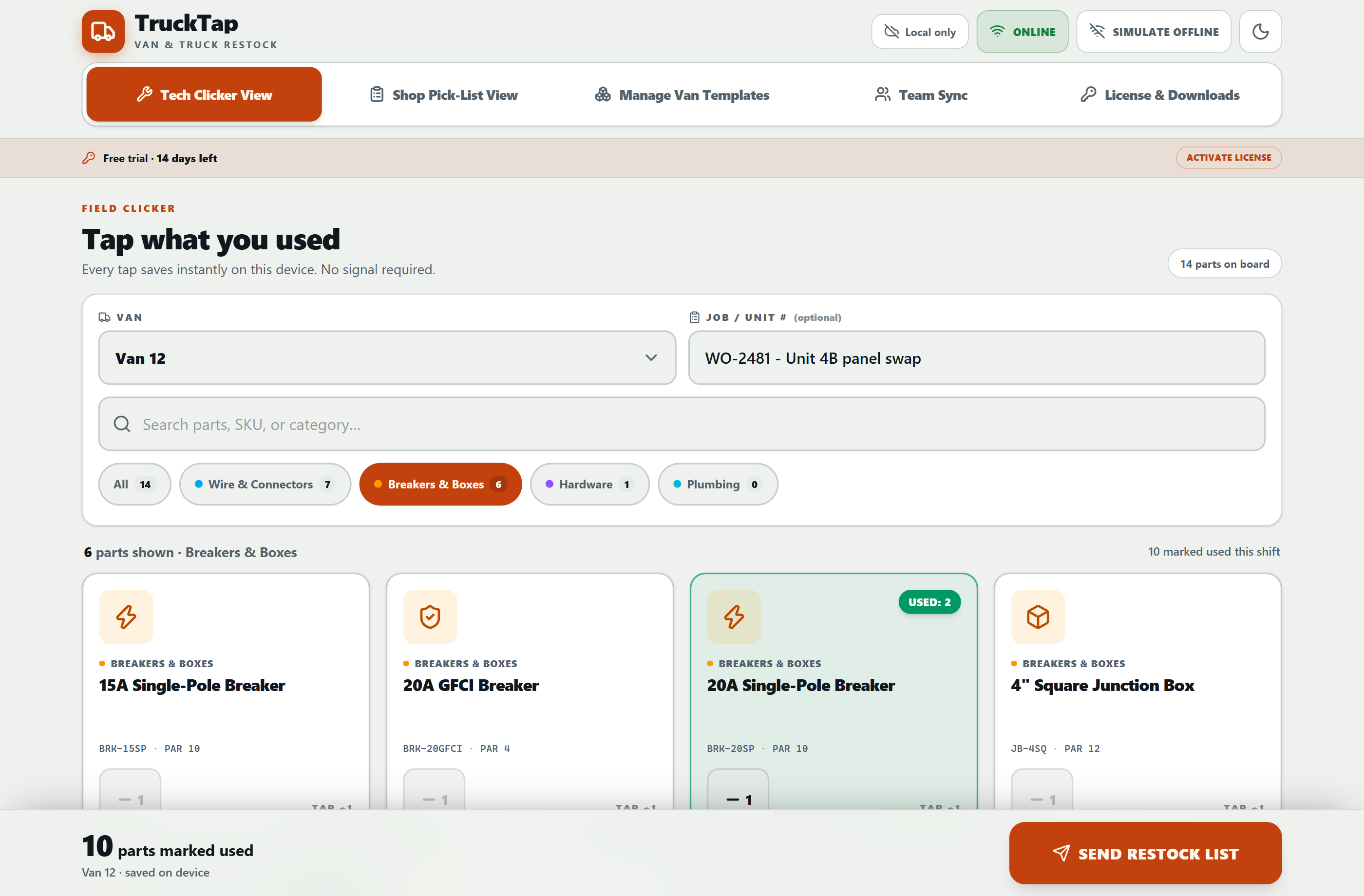
A visual parts grid built for gloves and a phone mount. The tech taps used items instead of typing or calling.
Van & truck restock, in one tap
Field techs shouldn't dictate parts over the phone. TruckTap lets them tap what they used on the van, send one restock list, and get back to the job. The shop sees a live pick-list and a consolidated supplier order — online or completely offline.
What it does
A two-sided workflow: simple for the tech in the field, complete for the shop behind them.
A visual parts grid built for gloves and a phone mount. The tech taps used items instead of typing or calling.
The tech submits once. No separate texts, voicemails, or photos of a handwritten list.
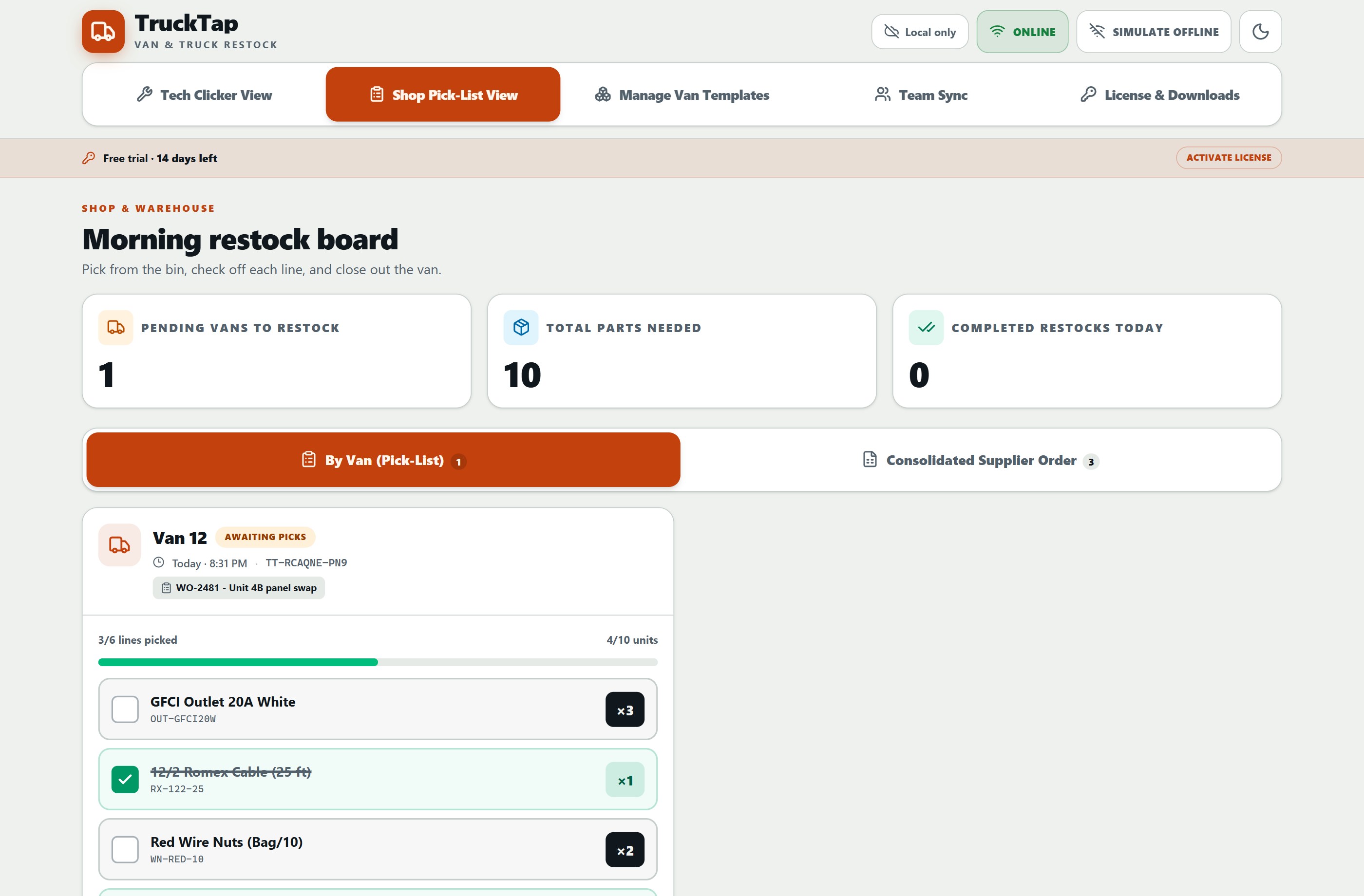
The shop sees a morning restock board grouped by van, with progress as lines get picked.
Combine demand across vans into one supplier order instead of scrambling across three purchase lists.
Local-first data means taps are saved on the device. The queue syncs when the connection returns.
Accounts, workspaces, and roles for techs and shop staff, with real multi-device sync behind them.
Built for the field
A basement, a parking garage, a rural service call — the van still needs restocking. TruckTap was designed offline-first from the start, not patched to tolerate it.
How it works
The tech opens their van and taps each item they used.
One submission lands in the shop queue — even if it syncs later.
The shop works a live pick-list grouped by van and line item.
Consolidated supplier order replaces scattered purchase lists.
TruckTap runs on Windows and in the browser. See the live product or talk to us about your fleet.